
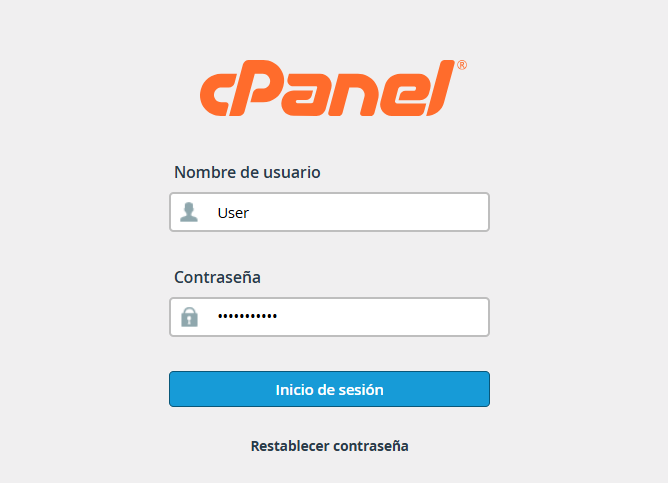
1. Log in to your cPanel account and, under the Files section, select the File Manager icon.
2. For security reasons, the system hides files that start with a dot (like .htaccess). To view it, follow these steps:
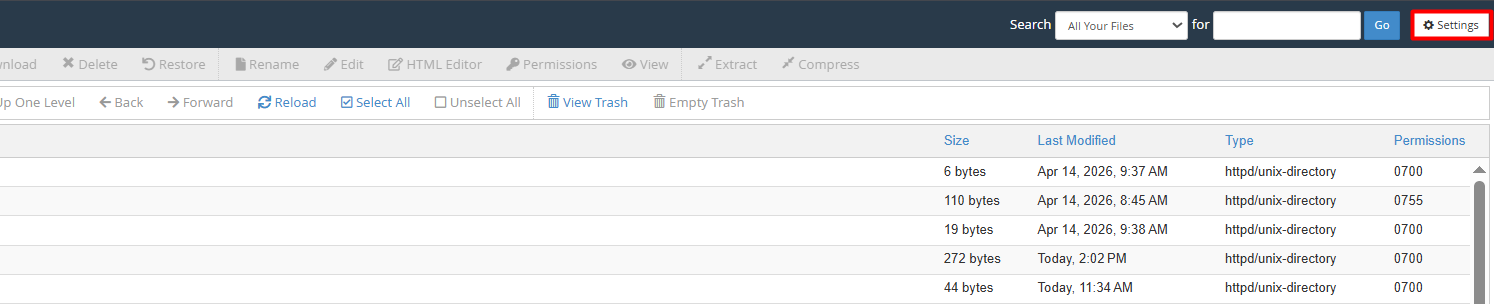
2.1. Click the Settings button (top right corner).
2.2. Check the box "Show Hidden Files (dotfiles)".
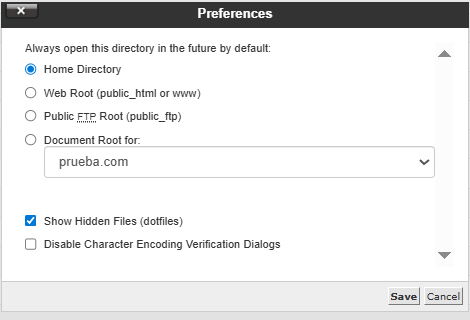
2.3. Press Save to apply the changes.
3. Generate the new file (Critical): Go to your site's root folder (usually public_html) and prepare to create the file:
3.1. Select the + File button in the top menu.
3.2. Type exactly this name: .htaccess (it is essential to include the leading dot and avoid extensions like .txt).
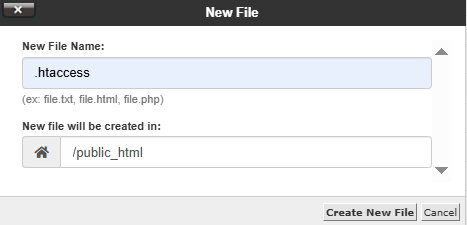
3.3. Confirm by clicking Create New File.
4. Edit and customize (Critical): Once created, it's time to add your rules or directives:
4.1. Right-click on the file and choose Edit.
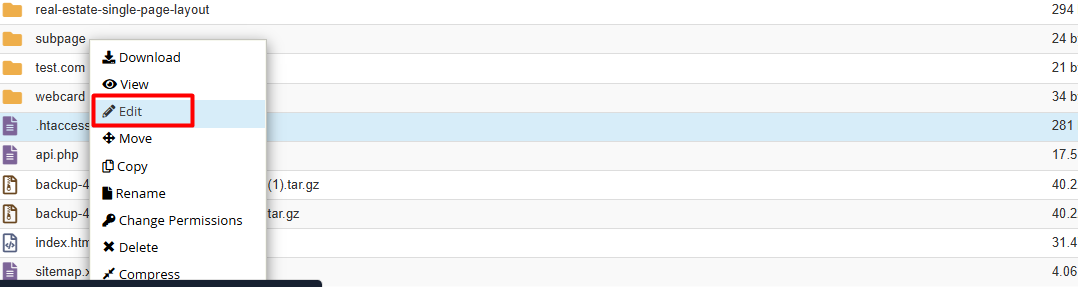
4.2. Enter the necessary code into the text editor.

4.3. When finished, don't forget to click Save Changes.
