
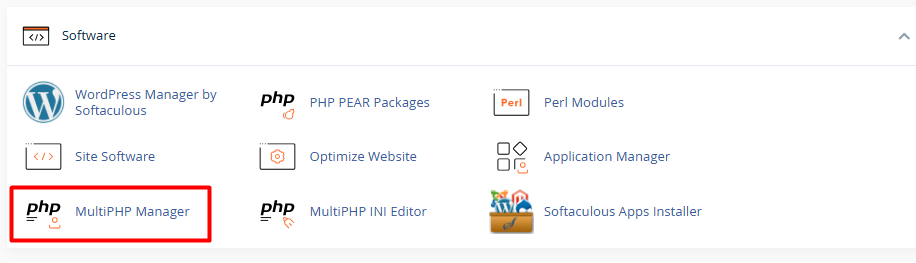
1. Log in to your cPanel and, under the Software section, select MultiPHP Manager.
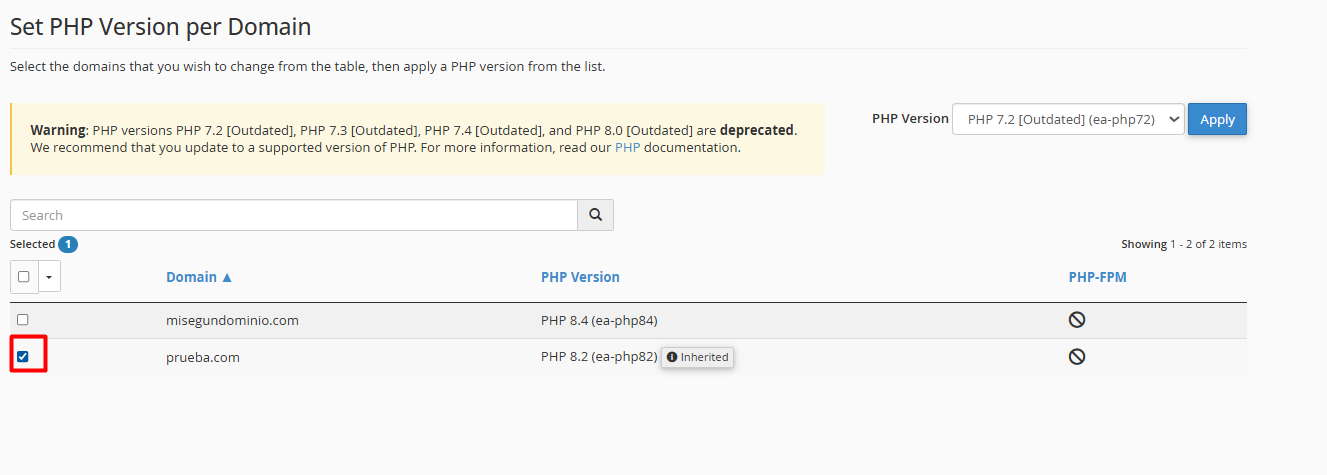
2. Identify the list of your domains and check the box for the domain or subdomain you wish to update.
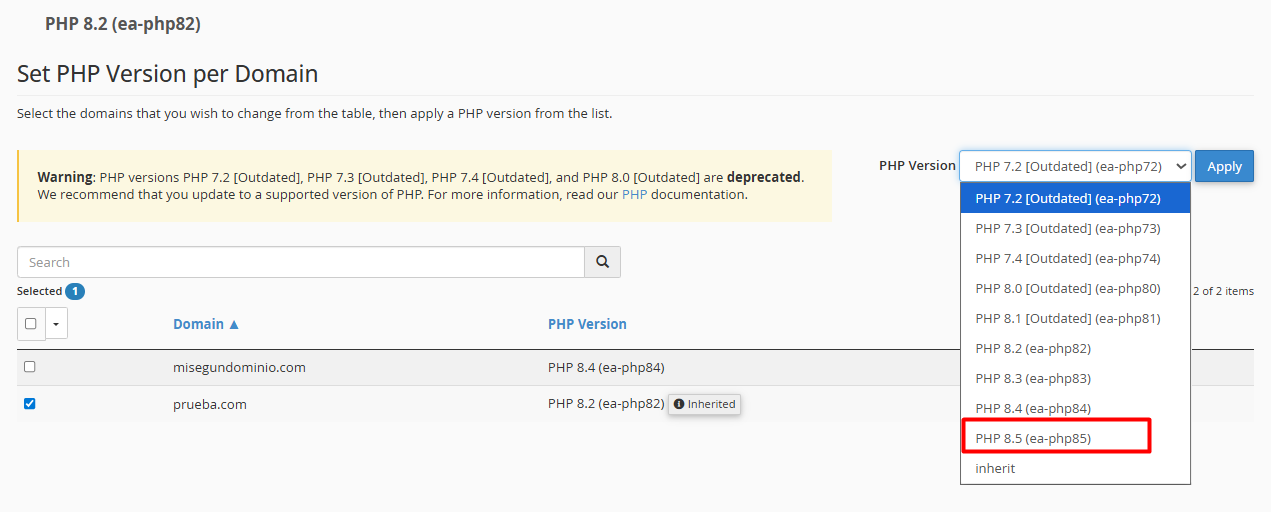
3. From the dropdown menu in the upper right corner (PHP Version), choose the technical version your project requires.
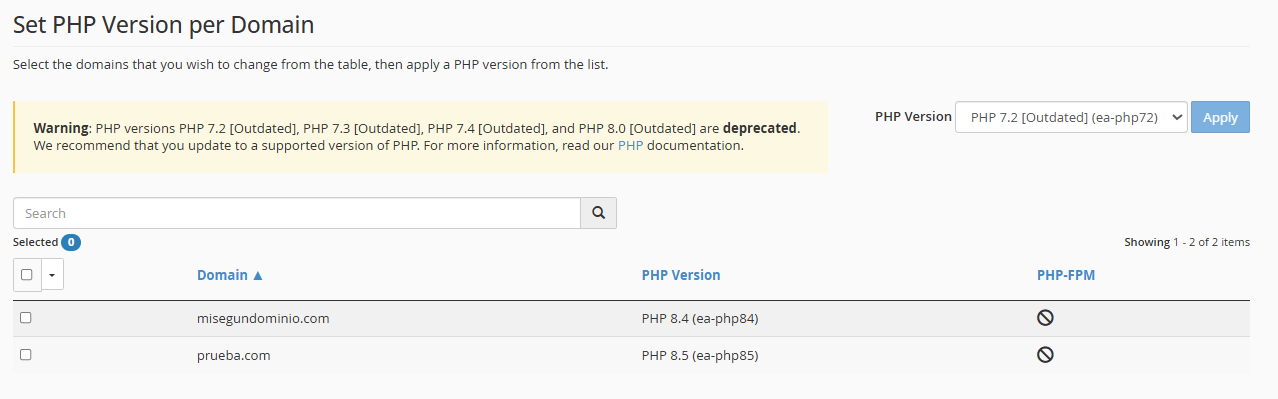
4. Click the Apply button. The system will immediately notify you that the update has been successfully completed.
• Back up your data: Before making any structural changes, make sure you have a recent backup.
• Check compatibility: If you use a CMS like WordPress, confirm that your themes and plugins are compatible with newer versions (such as PHP 8.x) to avoid visual or execution errors.
• Reversible adjustment: Don’t worry! The process is instantaneous. If you notice any unusual behavior, you can revert to the previous version by repeating these same steps.
