
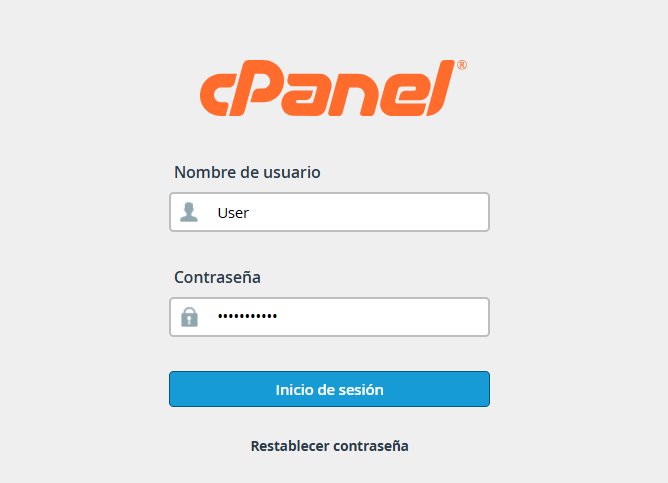
1. Log in to your cPanel with your credentials.
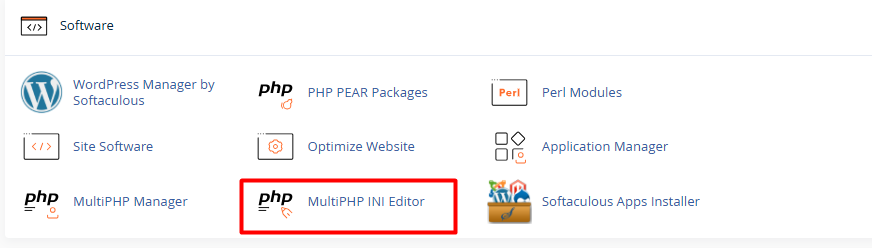
2. Look for the Software section and click on MultiPHP INI Editor.
3. Select the domain or site location from the dropdown menu.

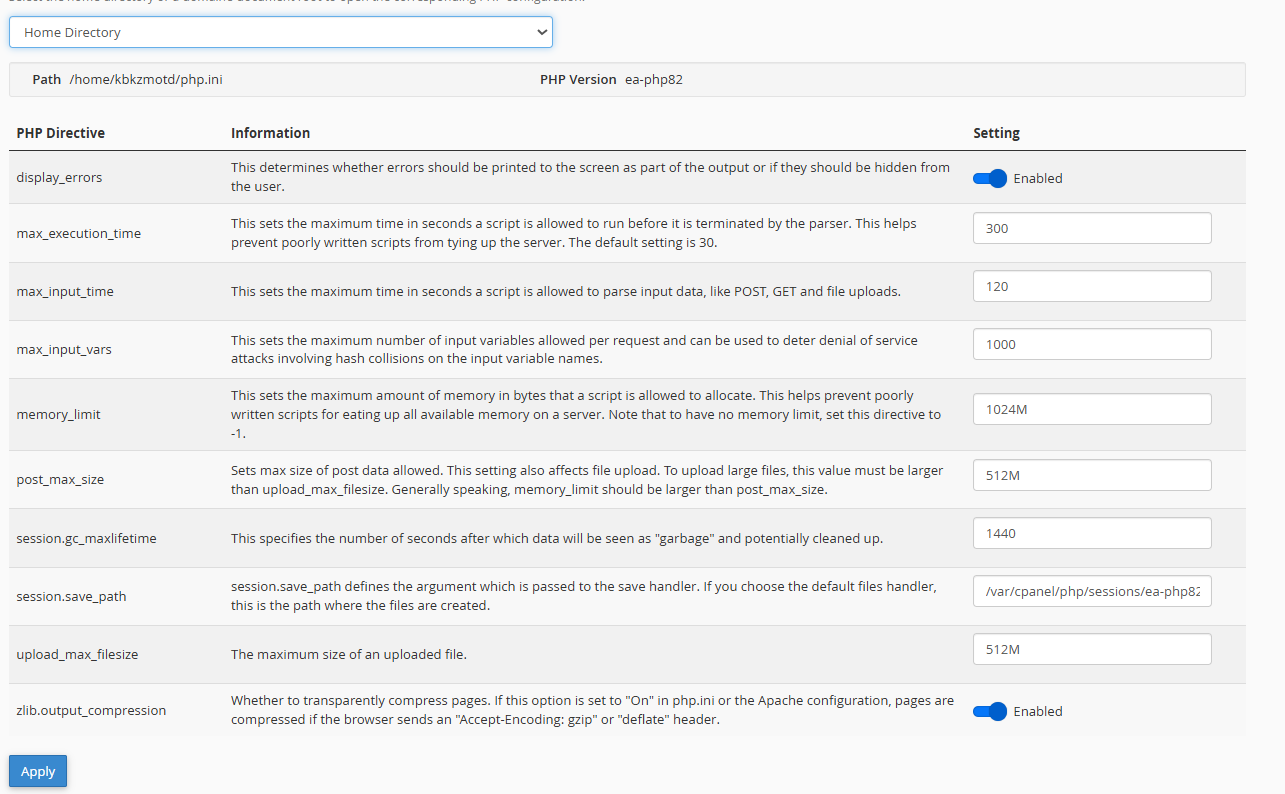
4.You will see a list of values you can edit. Simply click on the current value to modify it:
4.1. display_errors: Change to On to see errors or Off to hide them.
4.2. max_execution_time: Increase the number (example, 300) for long-running scripts.
4.3. max_input_time: The time the script has to process input data.
4.4. max_input_vars: Useful for very large forms (example., 3000).
4.5. memory_limit: RAM limit for PHP (eg., 256M or 512M).
4.6. post_max_size: Maximum size of data sent via form. It must be greater than or equal to upload_max_filesize.
4.7. session.gc_maxlifetime: Duration of an active session in seconds.
4.8. session.save_path: Path where sessions are stored (usually /tmp or an internal path). Be careful when changing this.
4.9. upload_max_filesize: Maximum size for an uploaded file (example., 64M).
4.10. zlib.output_compression: Set to On if you want to compress responses to save bandwidth.
• The "Post vs. Upload" Hierarchy: Always remember that the post_max_size value must be equal to or greater than upload_max_filesize. If you try to upload a 50MB file but the "Post" limit is set to 8MB, the upload will fail without a clear error. Ideally, keep "Post" slightly higher to allow room for form data.
• The "Editor Mode" button for advanced settings: If you cannot find a specific directive in the visual list (Basic Mode) after entering the MultiPHP Editor, switch to the "Editor Mode" tab. This opens a text box where you can manually type any line of code.
• Caution with "Memory Limit" (RAM): While it’s tempting to set memory_limit to very high values (like 1GB or more) to avoid errors, it can be counterproductive. If a script has a bug or enters an infinite loop, it will consume all the assigned memory and could lock your hosting account or cause the site to load very slowly. It is best to keep it between 256M or 512M, which is sufficient for most WordPress sites or modern applications.
