
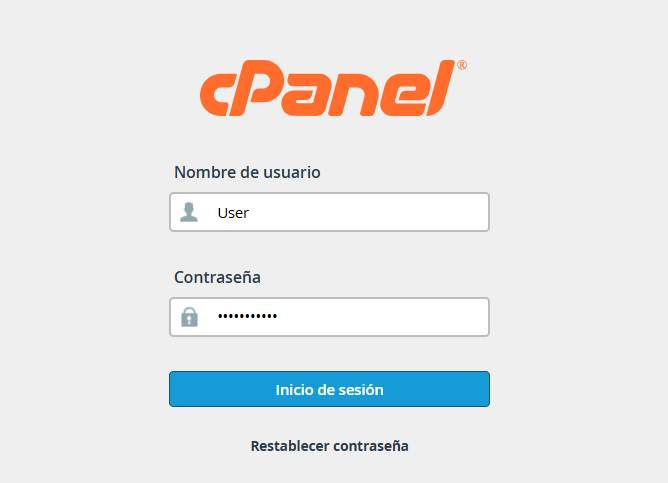
1. Log in to your cPanel account.
2. Scroll down to the Advanced section and , click on the Cron Jobs icon.

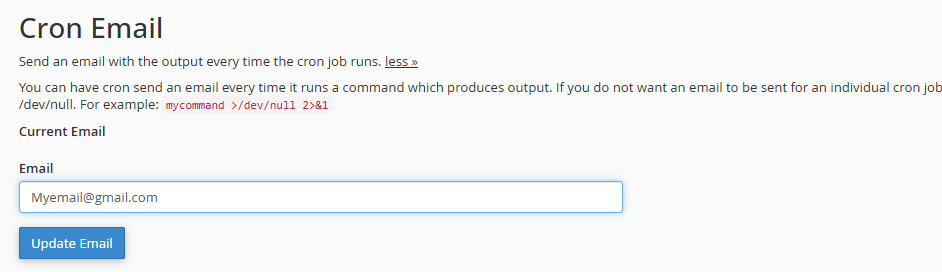
3. Configure Email (Optional)
3.1. In the Cron Email section, you can enter an email address to receive a notification every time the task runs.
Note: If the task runs very frequently (e.g., every minute), it is better to leave it blank or disable it to avoid cluttering your inbox.
4. Define the Frequency
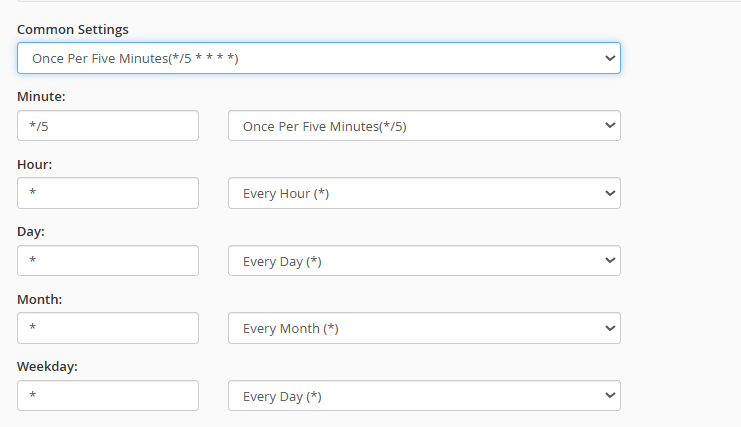
4.1. Look for the Add New Cron Job section.
4.2. Use the Common Settings drop-down menu to choose predefined intervals, such as "Once Per Hour" or "Every 5 Minutes."
4.3. If you need something specific, you can manually fill in the fields: Minute, Hour, Day, Month, and Weekday.
5. Enter the Command
5.1. In the Command field, type the instruction you want to execute.

For a PHP script: /usr/local/bin/php -q /home/YOUR_USER/public_html/your_file.php (You must replace YOUR_USER with your cPanel username and your_file.php with your actual file name)
Note: To prevent notification emails (if you didn't configure the email), add >/dev/null 2>&1 to the end of the command.
