How to create a subdomain in cPanel ?

A subdomain is a strategic tool that allows you to organize and prioritize your digital ecosystem without losing the authority of your main domain. To create a subdomain in cPanel, follow these detailed steps:


1. Log in to your cPanel control panel by entering your username and password.
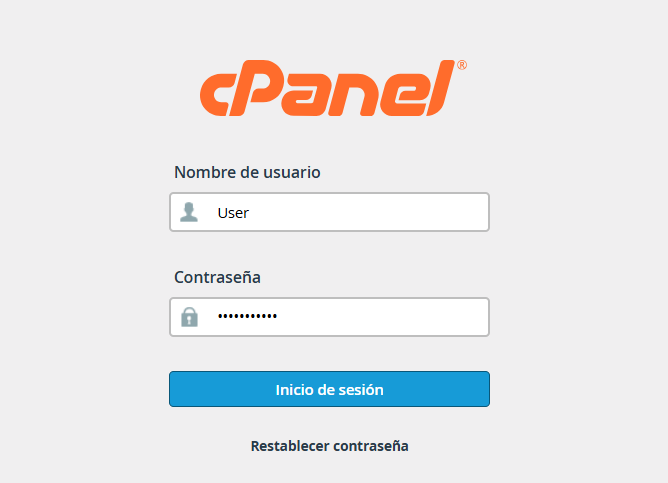
 

access.png


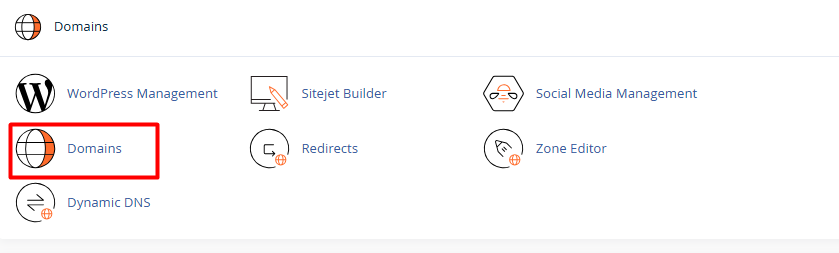
2. Scroll down to the Domains section and click on the Domains option.


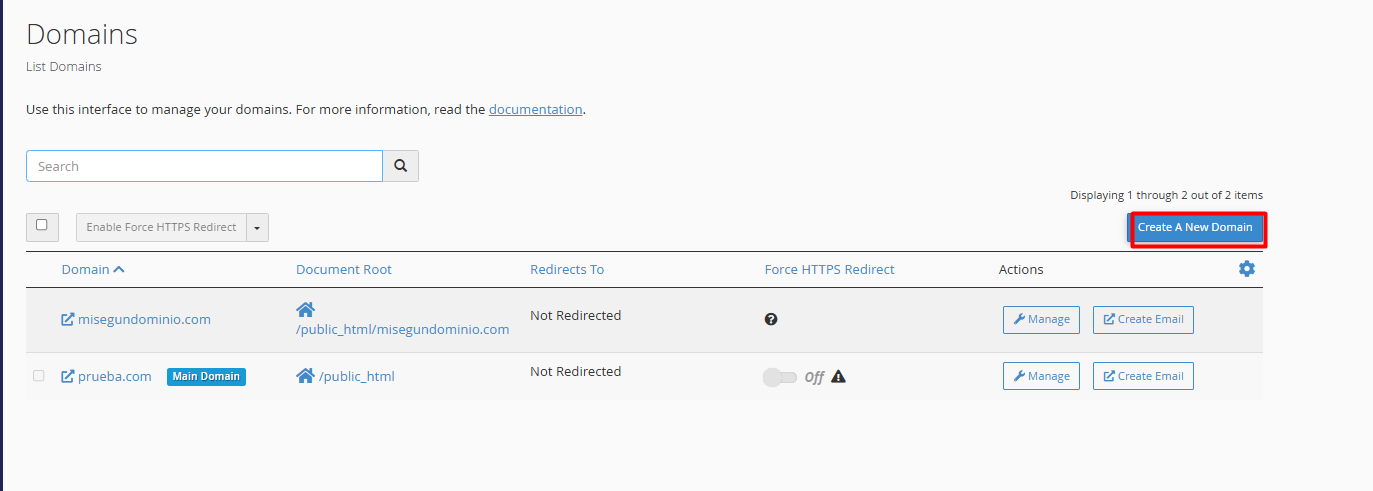
3. Click the Create a New Domain button.


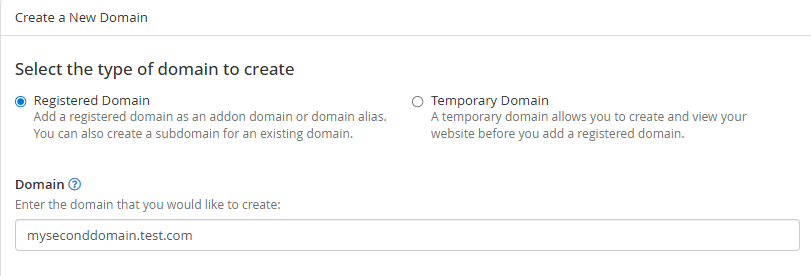
4. Configure the name:


4.1. In the Domain text box, type the full name of the subdomain you want to create (for example: yourdomain.com).


4.2. Make sure to include your main domain name after the dot.


5. Define the file folder (Critical):


5.1. Uncheck the box that says "Share document root". This allows the subdomain to have its own independent folder so it doesn't display the same content as your main site.


5.2. The system will automatically suggest a folder path; you can leave it as is or customize it if you prefer.
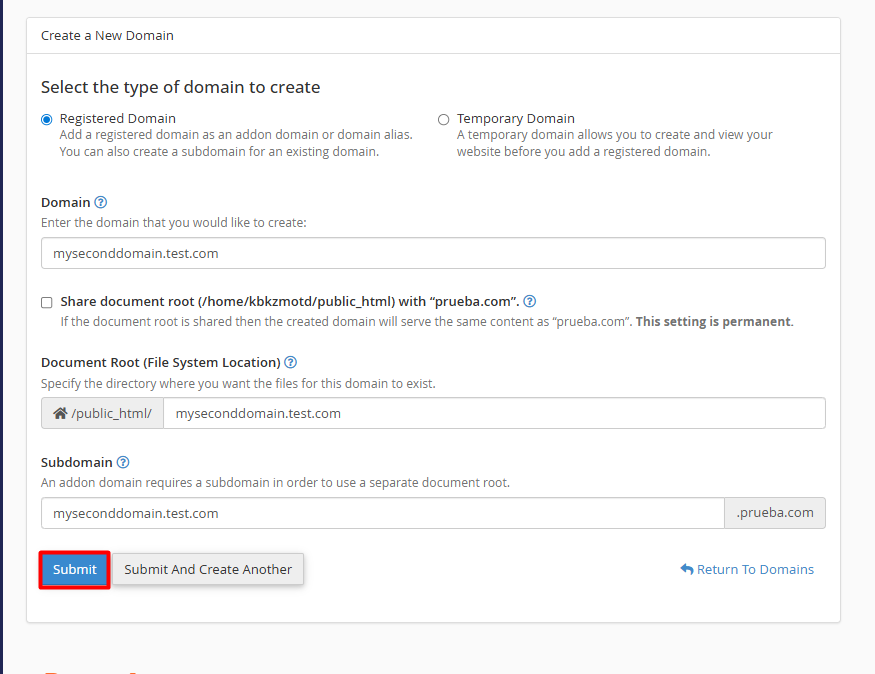


Press the Submit button and your subdomain will be created. 

Note: You will see a confirmation message indicating that the subdomain has been successfully created. Keep in mind that while creation is instant, it may take between 30 minutes and an hour for the subdomain to be visible across the web due to DNS propagation.
  • 0 Users Found This Useful
Was this answer helpful?

Related Articles

What is a domain?

  A domain is the unique address that represents your brand or product, which people type into...

How to add an Addon Domain?

  Setting up an addon domain is a simple process. Follow these steps to have your new site ready...

What are DNS records and what are they for?

  DNS records are small configuration instructions that act as your domain's "GPS." Their main...

How to create or manage DNS records in cPanel?

  Configuring your DNS records is a straightforward process that you can perform directly from...

How can I redirect a domain from cPanel?

  To redirect traffic from a domain to an external or internal URL, you must use the Redirects...