
To enable a user to create, modify, or delete content within a database, it is essential to assign the appropriate privileges. These permissions define the scope of actions a user can perform, ensuring both security and control over your information. Follow these steps to configure access successfully:
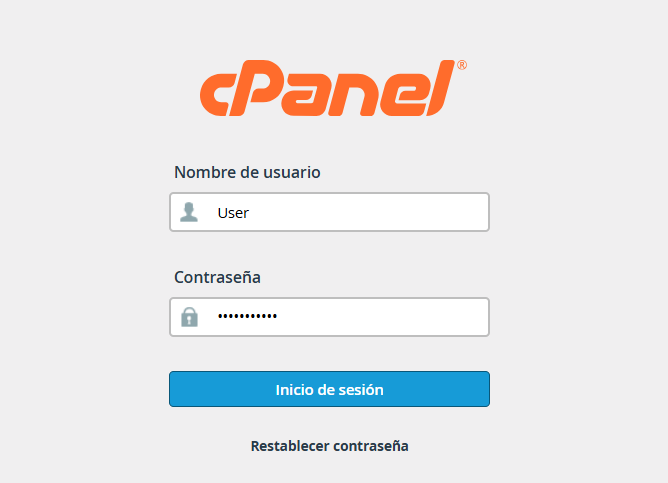
1. Access your cPanel account using your credentials.
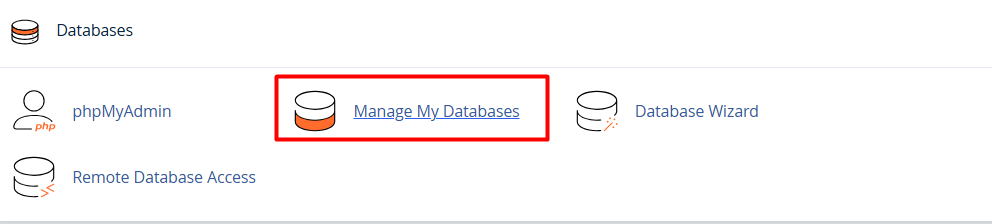
2. Once inside, locate the "Databases" section and select MySQL Databases (or Manage Databases).
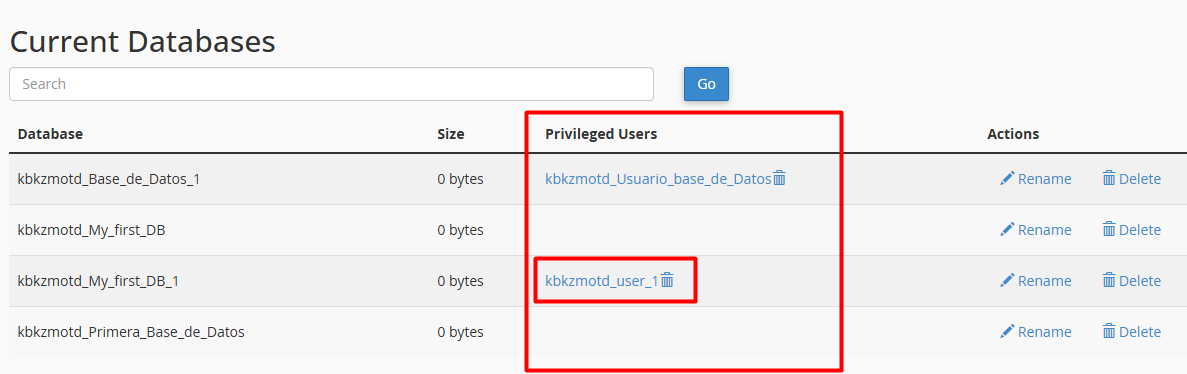
3. Scroll to the Current Databases table, identify the database you want to configure, and click on the name of the Privileged User linked to it.
4. A menu will appear displaying all available privileges. Here, you can check or uncheck the specific actions you wish to allow or restrict.
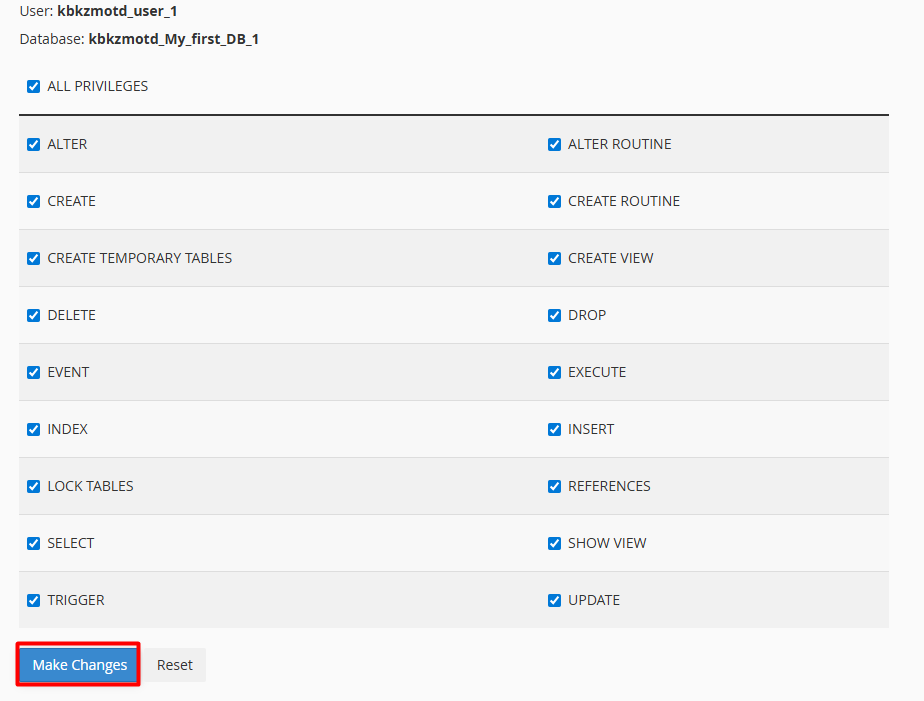
After making your selection, click the Make Changes (or Save) button.
Success! The changes will take effect immediately, and the user will have the exact level of access you’ve defined.
Note: We recommend reserving "Full Access" exclusively for the Project Lead. For all other users, it is best practice to configure profiles based on their specific task scope, assigning only the indispensable permissions.
