
Using the MySQL Database Wizard is the most efficient and direct way to set up your data. This tool streamlines the implementation by allowing you to create the database, assign a user, and set permissions in one seamless flow, avoiding multiple manual steps.
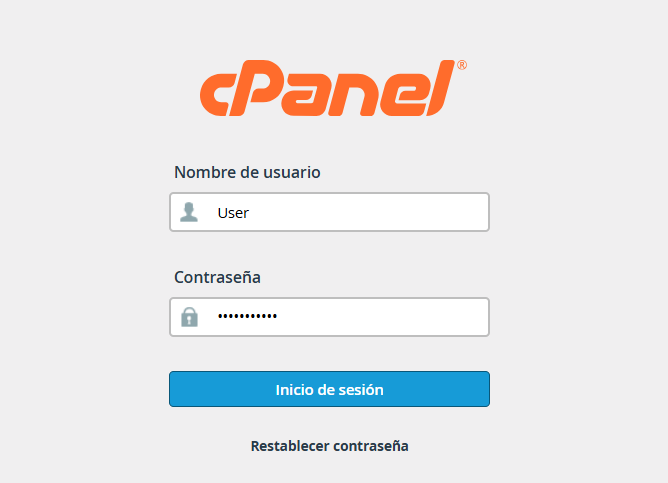
1. Access your cPanel using the administrative credentials provided to you.
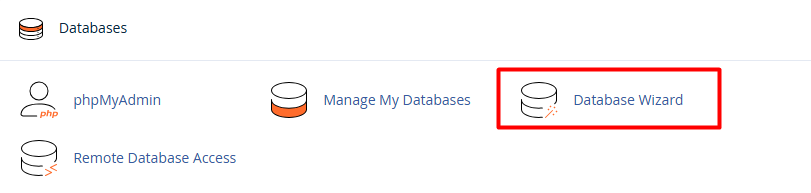
2. Locate the "Databases" section and select the MySQL Database Wizard option.
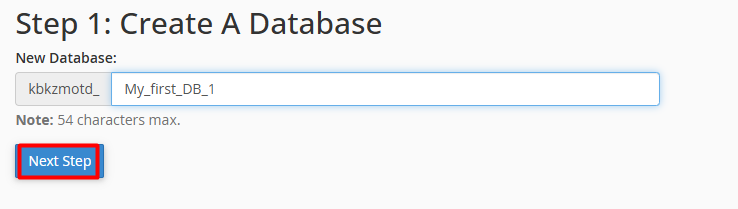
3. Simply follow the prompts to enter the required information:
3.1. Database Name: Define the name for your new database.
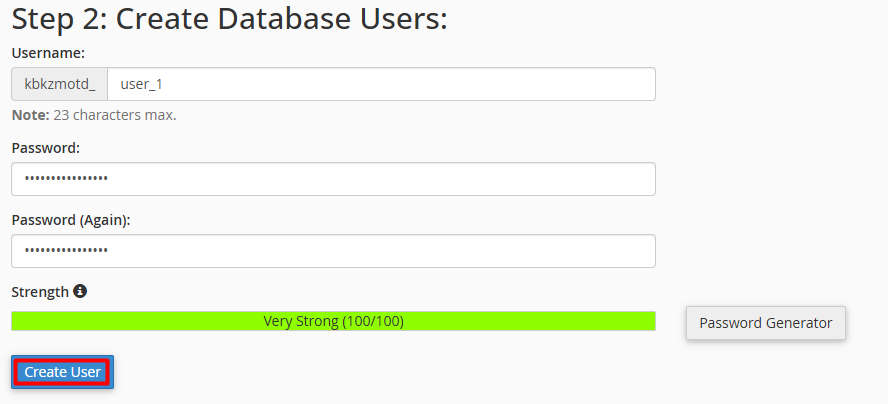
3.2. Create User: Assign a username and a secure password.
3.3. Assign Privileges. Select the permissions for the assigned user.
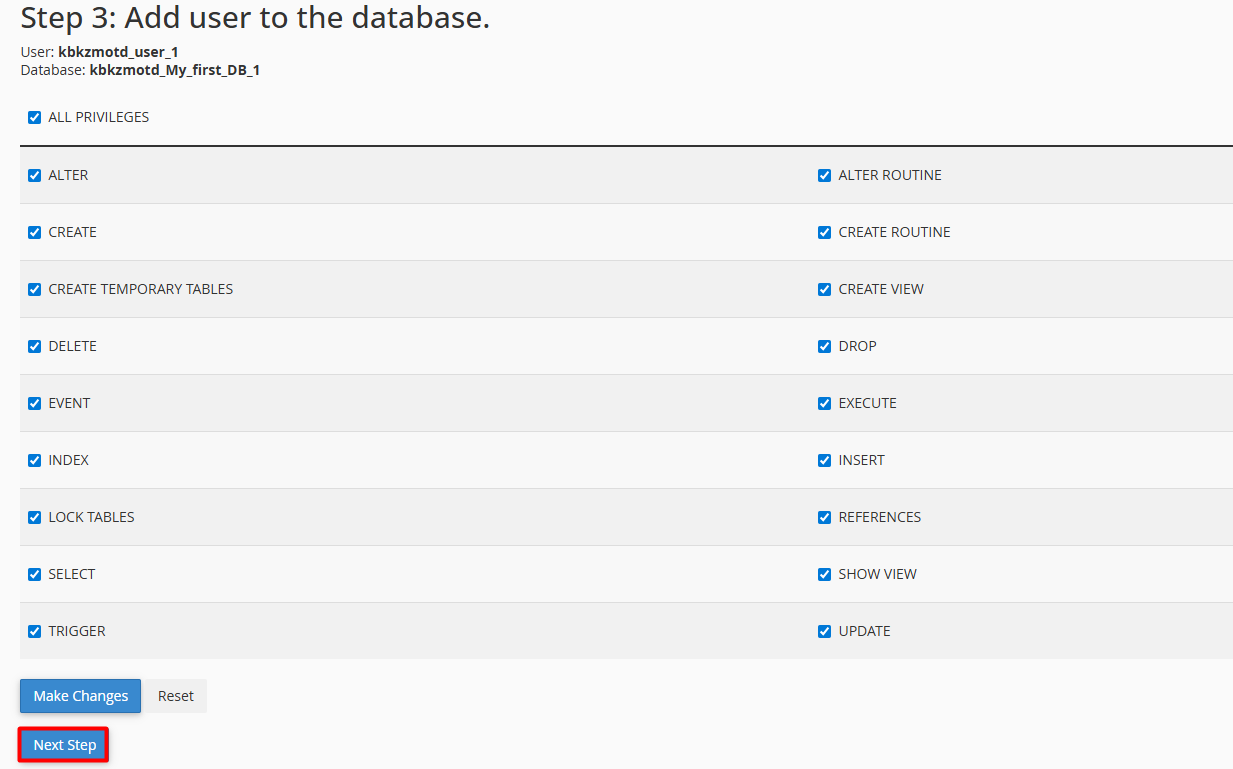
That’s it! Your database will be fully operational and correctly linked in just a few seconds.
Note: It is recommended to check "All Privileges" if this user will be directly responsible for the database administration.
