
To maintain the integrity and security of your service, you can quickly modify your access password by following this procedure:
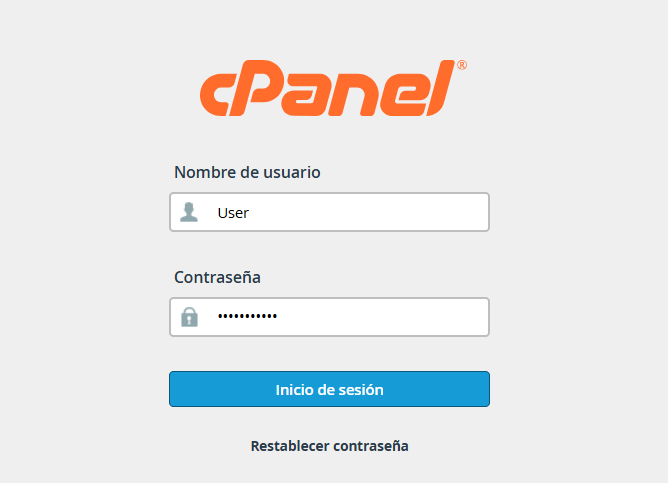
1.Access your cPanel control panel using your current credentials.
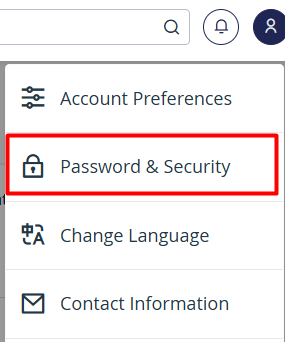
2.Go to the upper-right corner of the interface and click on the User Menu.

3.From the drop-down list, select the Password & Security (Seguridad & Contraseña) option.
4.Fill in the requested fields in the displayed form:
• Enter your current password.
• Set your new access password and confirm it in the next field.
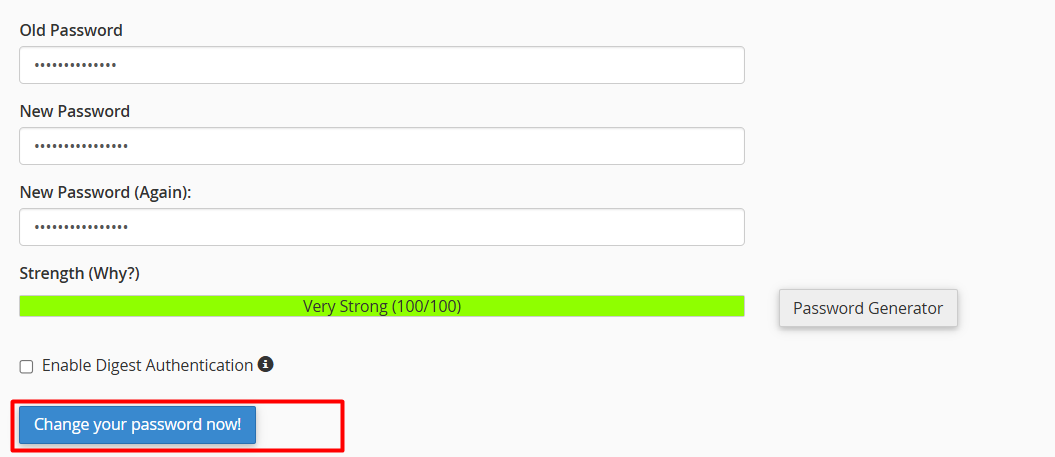
5.Click the Change your password now! button to apply the changes.
Note: For enhanced protection, we recommend using an alphanumeric password (combining uppercase and lowercase letters, numbers, and special characters). Avoid using personal information or predictable sequences.
